01 / SAVE
Save it.
Trimmed
Compressed
Looped

Saved clips become a built habit.
Watch the streak — and the gains — grow.
Free · No account · iOS 17+
No account · No trackers · iOS 17+
Build the skills and confidence
to master the gym.
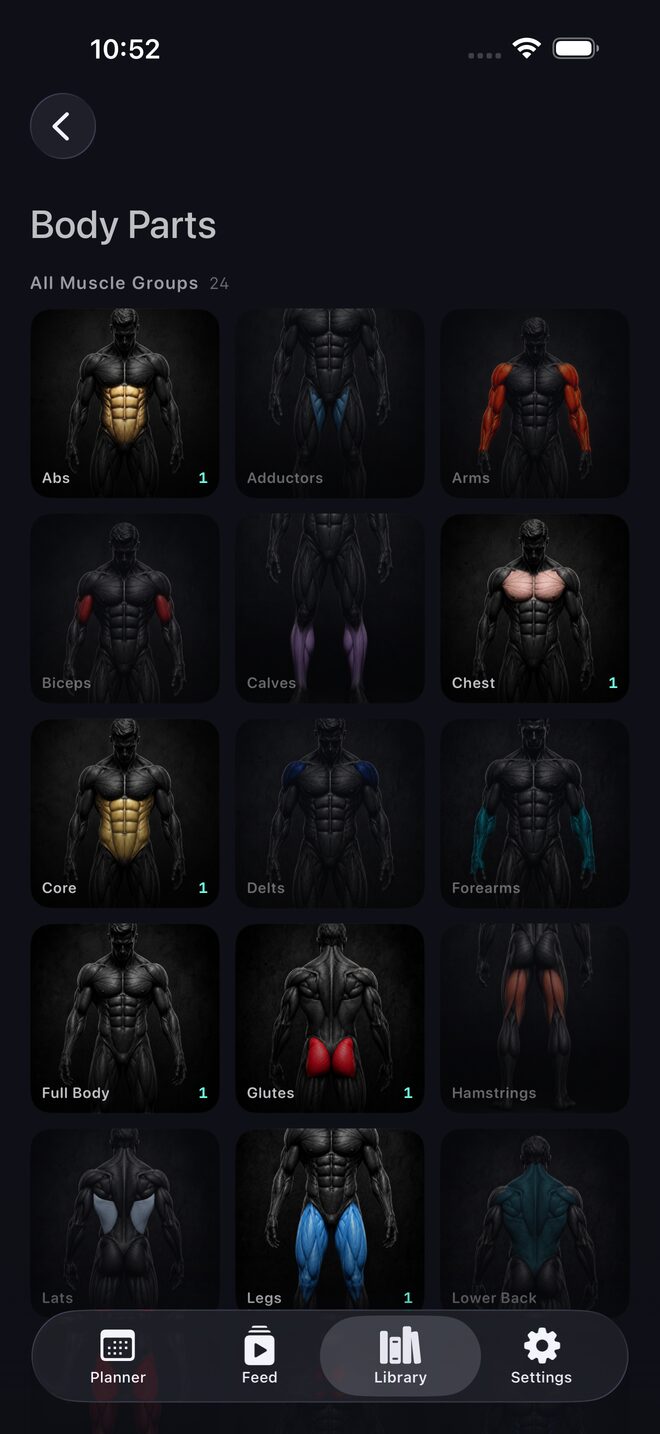
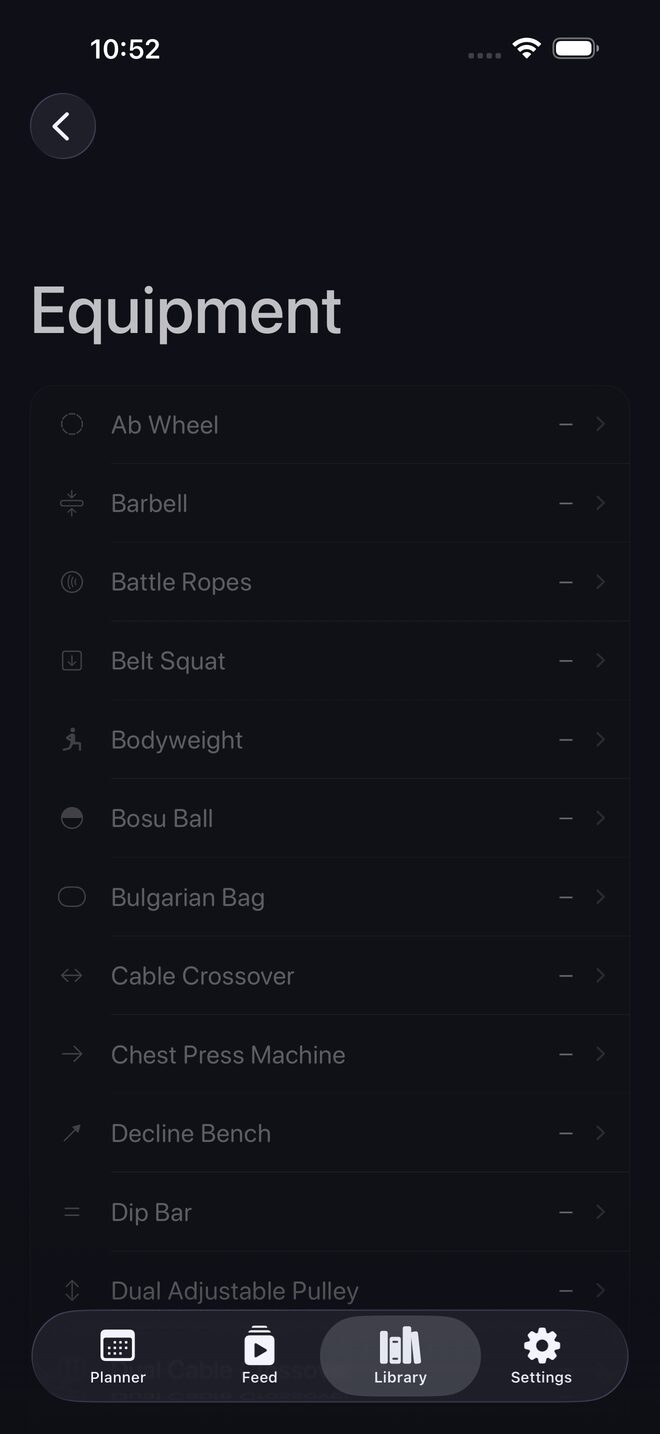
The private home for every workout you save. Share clips from TikTok, Instagram, YouTube, or your camera roll and they're kept as real videos — trimmed, compressed, and sorted by muscle group, equipment, and creator.
Tap Share on any workout clip — TikTok, Instagram, or YouTube — and choose Save Workouts AI, or import straight from your camera roll. The clip is trimmed, compressed, and filed by muscle group, equipment, and creator automatically — no manual entry, nothing to organize. Read the TikTok guide →
Yes — local-first by design. Your library lives on your phone, protected by your iPhone's built-in encryption. No account, no sign-up, no trackers — we never see your videos, and nothing is collected or sold.
When you're ready, back up to a cloud you own:
TikTok, Instagram, YouTube, and your camera roll — anywhere a share sheet or a video file exists, Save Workouts AI can keep it.
Yes. Save Workouts AI is free to download, and every feature — saving clips, auto-tagging, the planner, Train Mode — works at no cost, with no subscription, no trial, and no account. The free version shows ads; remove them forever with a one-time $19.99 purchase.
Yes. Clips you save live on your phone, so they play without a connection — even in a gym with no signal. Saving a new clip from TikTok, Instagram, or YouTube needs internet.
Built by one lifter who lost too many saved workouts. — @saveworkoutsai