Key Takeaways
- Judge an organizer on four things: does it keep the video, how it tags, where your data lives, and long-term cost.
- AI-extraction apps (Gymdex, Stashd) organize text routines, not videos.
- Save My Workout organizes the real clips — by muscle group, equipment, and creator — on-device.
- Free options (camera roll, Notes) work under ~20 clips, then fail at search.
What is the best app to organize saved workouts on iPhone? For organizing the actual videos, Save My Workout leads: one-tap saving from TikTok, Instagram, and YouTube, automatic tagging by muscle group, equipment, and creator, and a private on-device library. For text routines extracted from videos, Gymdex is the strongest alternative.

The four questions that decide it
1) Does the app keep the video or convert it to text? 2) Does it tag automatically — and by what? 3) Where does your library live — your phone or their servers? 4) Is pricing subscription-only, or can you own it?
Save My Workout — the video-first library
Share a clip from any platform; it is trimmed, compressed, and auto-filed by muscle group, equipment, and creator. Stack filters (“chest + dumbbells + @coach”), plan your week from saved clips, and keep everything on your phone — no account, no cloud. $3.99/mo, $39.99/yr, or a one-time Lifetime unlock. See how it works.
Gymdex — the AI extractor
Turns shared videos into written sets and reps instantly, with strong reviews. Best if you want text programs; the original clip is not the focus.
Stashd — extraction plus AI coach
A similar AI-routine approach with a trainer chat layered on, at a noticeably higher subscription.
Camera roll + Notes — free, until it is not
Zero cost, total chaos past twenty clips: no muscle tags, no equipment filters, no search. (The math: camera roll vs. workout locker.)
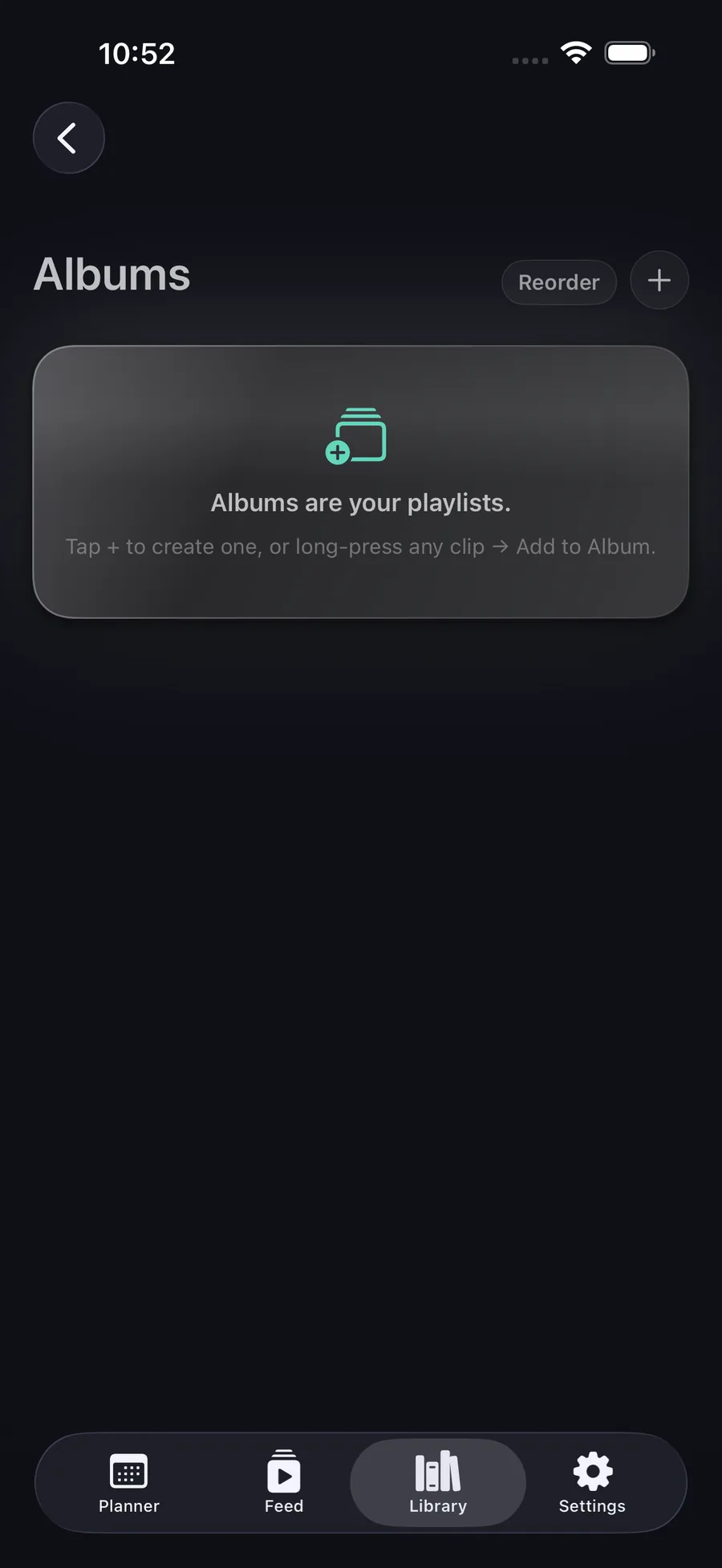
Your library, actually organized.
Muscle group. Equipment. Creator. Sorted the moment you save — private by default.
Get Save My Workout