Key Takeaways
- One library beats three apps’ save tabs.
- The share sheet is the universal entrance: TikTok, Instagram, YouTube, camera roll.
- Auto-tagging by muscle, equipment, and creator makes cross-platform saves searchable.
- Keep the real videos — platforms delete, libraries do not.
How do I save workouts from TikTok, Instagram, and YouTube in one place? Use the share sheet. From any of the three apps, tap Share and choose Save My Workout — every clip lands in one private library, trimmed, compressed, and tagged by muscle group, equipment, and creator, regardless of which platform it came from.
If your training inspiration lives on social media, you've felt this: you save a brilliant exercise on TikTok, double-tap a Reel, or bookmark a YouTube short — and then it vanishes into a pile of thousands of other saves. When you actually need it at the gym, you can't find it. Let's fix that.
Why in-app "saves" fail you
Every platform lets you save, but none of them were built for training:
- TikTok & Instagram saves are one giant undated list. No muscle groups, no equipment, no search that understands exercises.
- Screenshots lose the most important part — the movement. A still frame can't show you the tempo or form.
- Your camera roll mixes workouts with 2,000 photos of everything else. Good luck scrolling to that one ab finisher between sets.
The fix isn't more willpower. It's a system that captures the real video and files it automatically.
The 3 ways people try to save workouts
1. Platform bookmarks
Fast to save, impossible to retrieve. Fine for a handful of clips; useless once you have a real collection.
2. Screenshots & notes apps
You lose the motion and end up copy-pasting captions. High effort, low payoff.
3. A dedicated workout vault
An app built for this captures the actual clip in one tap and organizes it for you. This is the only approach that scales past a few dozen saves.
The one-tap method (what we recommend)
With a workout vault like Save My Workout, saving works from inside any app:
- Tap Share on any TikTok, Reel, Instagram post, or YouTube video.
- Choose Save My Workout. The clip is trimmed and compressed automatically.
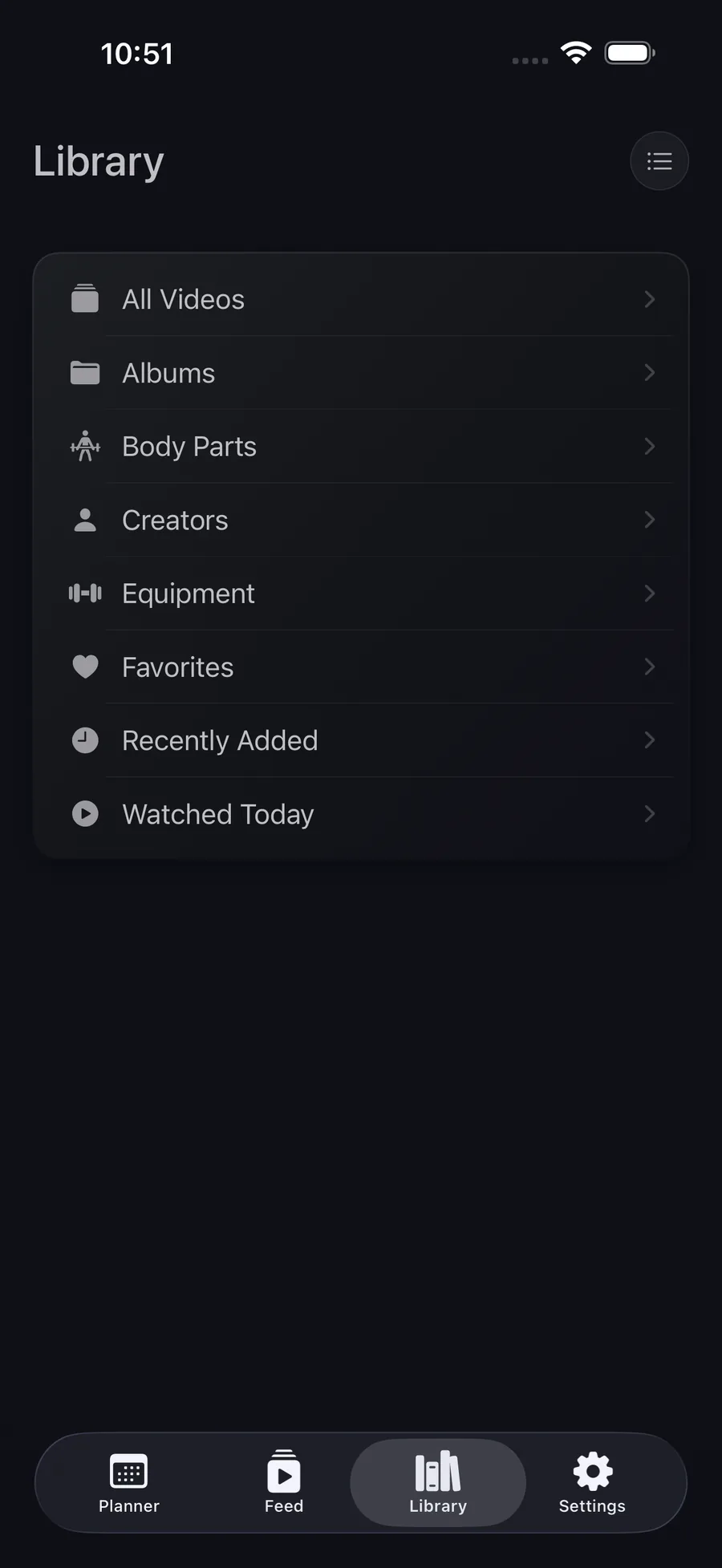
- It's auto-sorted by muscle group, equipment, and creator — no folders to make, no labels to type.
Crucially, you keep the real video — not a text list of sets and reps. When you're at the gym you can watch the actual movement, at full speed, the way the creator demonstrated it.
How to find a saved workout later
Saving only matters if retrieval is instant. A good vault lets you filter by:
- Muscle group — "show me everything for glutes."
- Equipment — "what can I do with just dumbbells today?"
- Creator — follow one coach's programming across every clip you saved from them.
That's the difference between a graveyard of saves and a library you actually train from.
Stop screenshotting workouts.
Save clips from TikTok, Instagram, Reels & YouTube in one tap — sorted by muscle group, equipment, and creator. Private and on-device.
Get Save My Workout